
Connect with us today to learn more about our industrial automation solutions—and how to commission them for your application.
7 Tips for Choosing a Low Noise Fan
A fan’s noise is easy to underestimate until it hums beside your bed or rattles above a desk. Choosing a Low Noise Fan means looking beyond a “quiet” label. Check the sound rating, airflow, motor type, mounting method, and the room where the fan will run. Small details matter. A loose grille, dusty blades, or a hard mounting surface can make a well-rated fan seem louder than expected.
The World Health Organization’s Night Noise Guidelines for Europe (2009) recommend keeping average indoor nighttime noise below 30 dB(A), with individual events below 45 dB(A), to support good sleep. These are guidance levels for overall environmental noise, not a pass-or-fail limit for a fan. That distinction matters. The Home Ventilating Institute (HVI) publishes certified product ratings, including airflow and sound levels for participating ventilation products. Compare ratings measured under comparable conditions, and remember that sones and decibels describe sound differently. A specification sheet helps, but it cannot fully predict how a fan will sound in your room. There is no magic number for every space.
The seven tips ahead will help you assess noise claims, match airflow to your needs, and avoid common installation mistakes. Listen for vibration as well as motor hum. Check controls and speed settings. A quieter choice may cost more, or move less air at its lowest setting. That trade-off deserves a careful look.
Understanding Fan Noise Ratings and Measurement Methods
A fan’s noise number is useful only when you know what was measured. Sound pressure, usually reported in dBA, describes sound at a specific position. Sound power describes the fan’s total acoustic output. The distinction matters. ISO 13347 sets laboratory methods for determining fan sound power, while ANSI/AMCA 300 covers fan sound tests in reverberant rooms. A rating such as “30 dBA” is hard to compare without the distance, airflow, speed, and test setup. Ask for those details.
Compare ratings at matched airflow and rotational speed, not just the same control setting. A slower fan may seem quieter simply because it moves less air. Check A-weighting and, when available, one-third-octave data. A narrow hum can irritate, even when overall dBA is modest. In an ideal free field, sound pressure falls roughly 6 dB each time distance doubles. Rooms change this. NIOSH’s occupational noise guidance recommends limiting exposure to 85 dBA over eight hours; that is a hearing-risk benchmark, not a quiet-room target. Phone apps can help compare locations, but they are not calibrated lab meters. I would treat quick readings as clues, not proof.
Matching Fan Size and Airflow to the Room
A quiet fan can still be the wrong fan if its airflow is too low for the room. Measure the floor area before comparing models. The Home Ventilating Institute recommends at least 1 cubic foot per minute (CFM) of exhaust airflow per square foot for bathrooms up to 100 square feet, with a 50 CFM minimum. For a 70-square-foot bathroom, that points to about 70 CFM. A fan rated well below that may leave mirrors foggy and damp towels slow to dry. That matters.
For larger bathrooms, HVI guidance adds airflow for each major fixture, such as a shower, tub, or toilet. Check the airflow rating at the pressure expected in your ductwork, not just the fan’s headline rating: long ducts, tight bends, and small ducts can reduce actual flow. A quick room measurement is useful, but it is not the whole story. A 90 CFM fan connected to a poorly routed duct may move less air than expected. Choose a fan with enough capacity for the room, then compare sound ratings in sones; a lower sone rating generally means quieter operation. There is a trade-off: oversized fans can cost more and may sound louder when run at full speed. Size for the room and installation, not guesswork.
7 Tips for Choosing a Low Noise Fan — Matching Fan Size and Airflow to the Room
How to read this chart: These illustrative airflow targets are calculated for a 2.4 m ceiling and 5 air changes per hour: room area × ceiling height × air changes per hour. This is a planning example, not a universal requirement; the right airflow depends on the room and its use. When comparing fans, check the noise rating at the airflow you need, since noise and airflow vary by model and operating speed.
Comparing Motor Types, Blade Designs, and Speeds
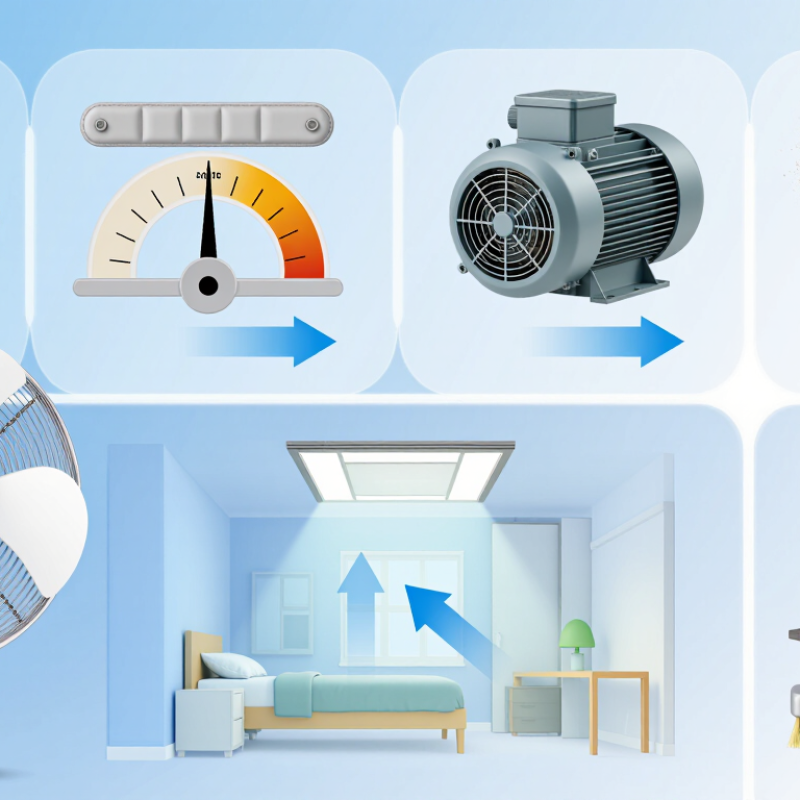
Tip 1: Compare the motor, not just the advertised noise rating. Brushless DC motors often run efficiently at lower speeds, while some AC motors may produce a noticeable hum, especially with certain controls. Performance varies by construction, so listen to the fan at the speed you’ll actually use. Quiet at minimum speed isn’t enough.
Tip 2: Look closely at blade shape and size. Broad, well-balanced blades can move useful air without spinning as fast. Smooth edges may reduce rushing sounds, but blade count alone does not predict quietness. A fan with many blades can still sound uneven if its parts vibrate. I once assumed more blades meant less noise; that is not a reliable shortcut.
Tip 3: Compare several speed settings in the same room. Higher speeds usually create more airflow noise, and small changes in speed can make a fan noticeably louder. Check independent sound measurements when available, but note the distance and setting used. A decibel figure without context tells you little. Also listen for clicking, rattling, or a low-frequency buzz, which may come from vibration rather than the motor itself. Place the fan on a firm, level surface and test it near your usual seat. Small details matter.
| Tip | What to Compare | Quieter-Fan Clue | Trade-Off or Check |
|---|---|---|---|
| 1. Compare motor types | AC induction motors and brushless DC (BLDC) motors can both be quiet when well designed. | Look for measured noise at the speed and airflow you plan to use, rather than choosing by motor type alone. | BLDC motors commonly allow efficient electronic speed control, but controller design can affect audible hum or tonal noise. |
| 2. Check blade shape and finish | Blade curvature, pitch, surface finish, and balance influence airflow and noise. | Prefer smooth, well-balanced blades designed for the fan’s intended airflow. | Blade count alone does not determine noise; compare sound and airflow for the complete fan. |
| 3. Choose a lower operating speed | Higher rotational speed generally increases aerodynamic noise and can increase motor noise. | Select a fan that can deliver the required airflow at a lower speed setting. | Lower speed also means less airflow, so compare noise at the airflow you actually need. |
| 4. Match fan size to the task | A larger fan may move the required air at a lower rotational speed than a smaller fan, depending on its design. | Compare airflow ratings and sound levels at comparable operating conditions. | Size, installation space, and airflow resistance can affect real-world performance. |
| 5. Read sound ratings carefully | Check the stated sound level in dB(A), along with the measurement distance, speed setting, and test conditions. | Use ratings measured under the same or clearly described conditions for a fair comparison. | A dB(A) figure without test conditions may not predict how loud the fan will seem in your room. |
| 6. Reduce vibration and rattling | Motor bearings, blade balance, mounting, and loose parts can create mechanical noise. | Look for secure mounting, balanced blades, and vibration-isolating pads or mounts where appropriate. | A quiet fan can become noisy if it is mounted loosely or if dust and wear cause imbalance. |
| 7. Test the speed controls | Check for humming, buzzing, or pulsing at low and medium settings, especially with electronic controls. | Choose a fan with stable speed control and a quiet setting that still provides sufficient airflow. | The lowest setting is not always the quietest if the motor or controller produces a distinct tone. |
Note: Actual sound depends on fan design, speed, installation, and room conditions. Compare sound measurements made using consistent test methods.
Checking Controls, Mounting, and Vibration Reduction
Test the fan’s controls before judging its noise. A continuous speed dial may avoid the hum some motors produce at low settings, while stepped controls make repeatable comparisons easier. Ask for sound data at more than one speed, not a single “quiet” claim. AMCA Publication 300-14 describes reverberant-room fan sound testing and octave-band sound-power reporting, useful for comparing hum with airflow noise. NIOSH’s 85 dBA, eight-hour recommended exposure limit is an occupational benchmark, not a home-fan target. Listen at night.
Mounting can make a quiet fan sound rough. Fasten it to a sturdy, level surface, and use vibration isolators rated for the fan’s weight and operating speed. Keep the housing and ductwork from touching joists or wall panels; even one hard contact can carry a buzz into another room. Check that screws are snug, but do not overtighten flexible mounts until they are compressed flat. Small details matter. Dust buildup or an unbalanced blade can also create vibration, so inspect the fan periodically. I would not assume softer mounting always helps: an unsuitable isolator can let the unit sway and add noise. Compare the sound after installation, at the actual speed you plan to use.
Evaluating Energy Use, Maintenance, and Product Reliability
Energy use should be compared at the speed you actually use, not only at maximum output. The U.S. Department of Energy says ceiling fans use about 1% of a typical home’s electricity. Its Energy Saver guidance also notes that a fan may let you raise the thermostat by about 4°F while maintaining comfort. ENERGY STAR reports that certified ceiling fans with lights are 60% more efficient, on average, than conventional fan-and-light units. Check the fan’s wattage and airflow together; low wattage alone does not guarantee useful cooling. Small detail, big difference.
For quieter operation, compare sound ratings at matching speeds and treat small differences cautiously: test conditions may vary. I’d also check whether blades and the grille can be cleaned without awkward tools. Dust on a blade can worsen balance, creating a faint wobble or hum over time. Look for accessible replacement parts, clear warranty terms, and a sturdy mounting system. These clues help, but they cannot promise long service life. I still find bearing access easy to overlook. A fan that runs quietly in a showroom may sound different in a small bedroom, especially after installation, so leave room for real-world judgment.